How to Convert a Bank Statement PDF to Excel or CSV
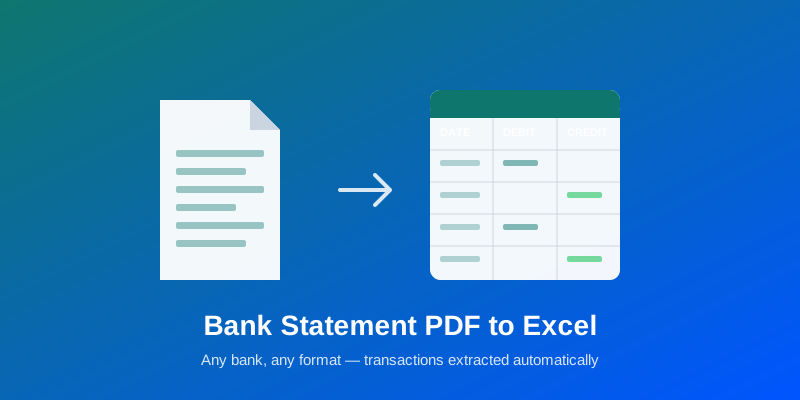
Convert any bank statement PDF to Excel or CSV — manual Excel methods, why they break on scanned statements, and an AI approach that works across banks.
Learn how to work with PDFs more efficiently. Guides, tips, and best practices from our experts.
Showing 71 posts
Convert any bank statement PDF to Excel or CSV — manual Excel methods, why they break on scanned statements, and an AI approach that works across banks.
Catch duplicate invoice numbers, fabricated GSTINs, and near-duplicate files across a batch of documents — the four fraud signals that matter and how to check them.
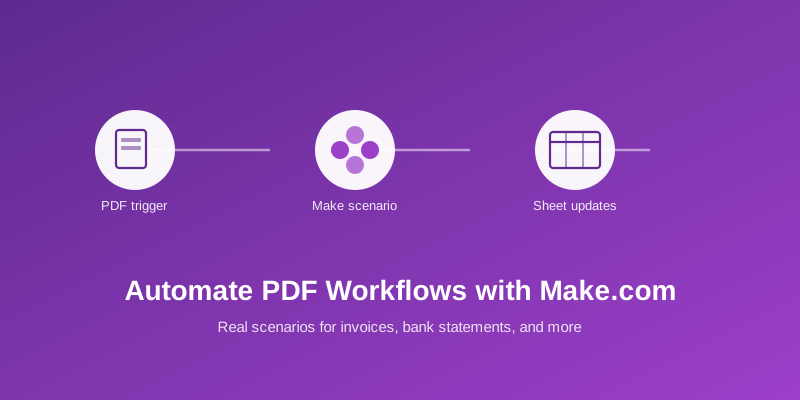
Five working Zaps using the AllPDFMagic Zapier app — invoice extraction, bank statement parsing, GSTIN validation, compression, and GSTR-2B reconciliation.
Convert PDF to JPG free without losing quality. Turn pages into high-resolution images online — Windows, Mac, iPhone, Android.
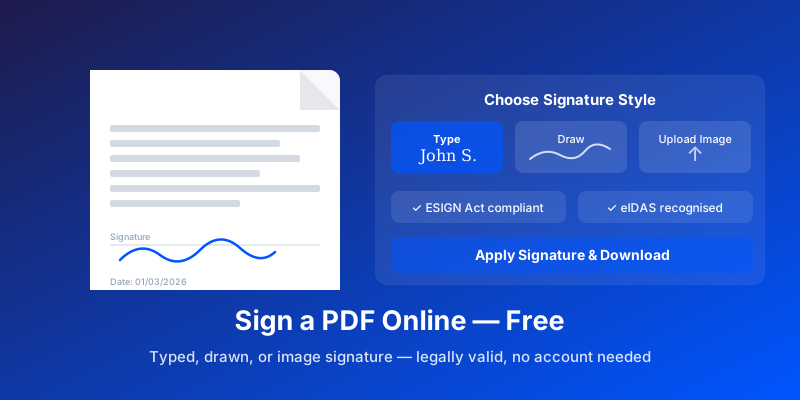
Looking for a free Adobe Acrobat alternative? Compare 7 free PDF tools to merge, edit, sign, and convert — no subscription.
Extract tables from PDFs and convert to CSV for Excel or analysis. Covers online tools, Python (pdfplumber), and API methods.
Convert PDF files to editable PowerPoint (.pptx). What converts accurately, what needs cleanup, plus tips for scanned PDFs.
Convert PPT/PPTX to PDF with fonts preserved, speaker notes included, and correct page dimensions. Free methods, no PowerPoint needed.
Convert Excel spreadsheets to PDF without columns getting cut off or text shrinking. Free methods for Windows, Mac, and Google Sheets.
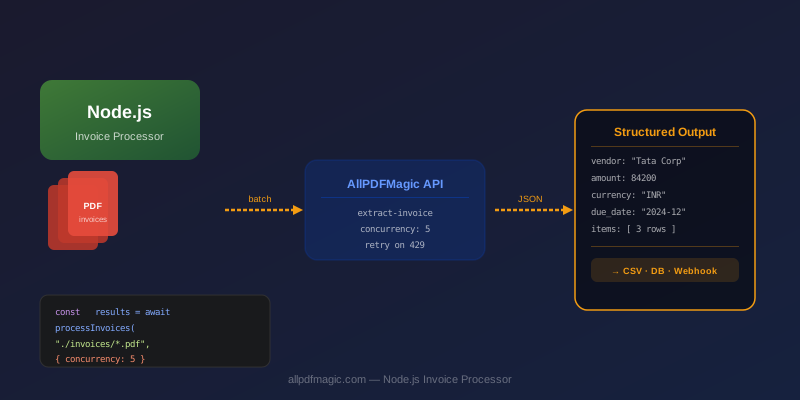
Build a production-ready invoice processor in Node.js. Extract structured data from PDF invoices with AI, output CSV for accounting.
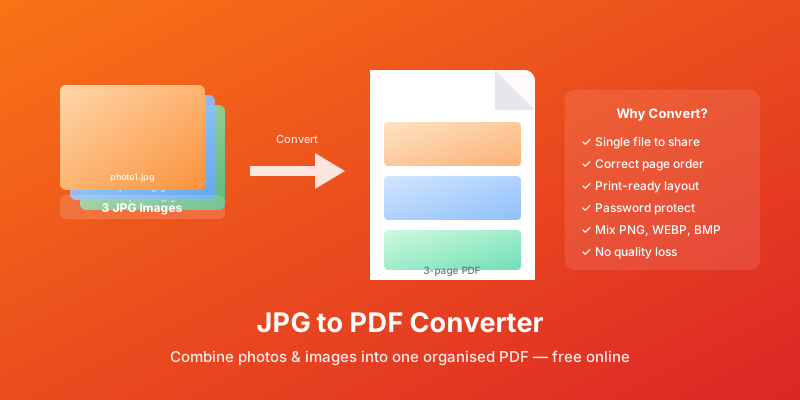
JPG vs PDF — which format should you use? A comparison covering text quality, file size, print readiness, and when to choose each.
Learn how to combine multiple PDFs into one file online for free. Step-by-step guide to merging PDF documents — no signup, no software, works on any device.
Worried about uploading PDFs to free online tools? This guide covers encryption, file deletion, data risks, and choosing a safe PDF tool.
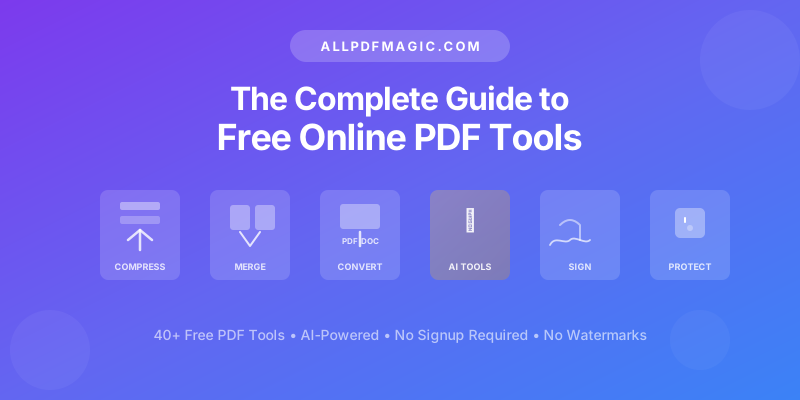
Discover what AllPDFMagic is and why it is one of the best free PDF tools online in 2026. Complete guide to 40+ free PDF tools, AI features, and comparisons.
PDF or DOCX in 2026? Learn when to use each format with real workflow examples, feature comparisons, and free conversion tips between both formats.
Summarize any PDF document instantly with AI in 2026. Extract key points, main findings, and important information in seconds. Free online tool with no signup.
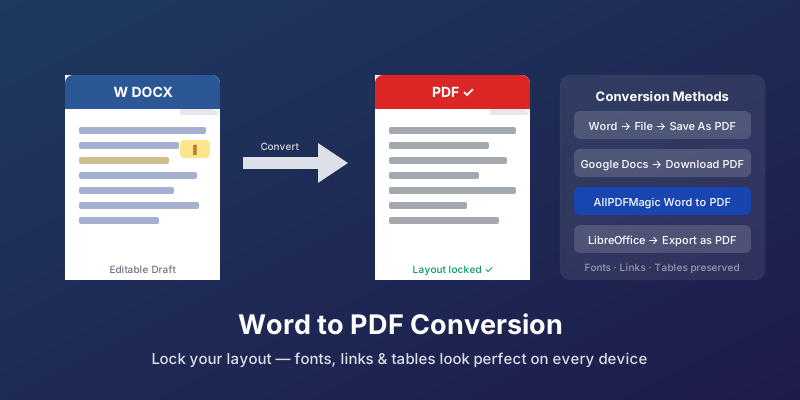
Convert Word to PDF online free without installing software. Upload a DOCX and download a perfectly formatted PDF in seconds. No account required.
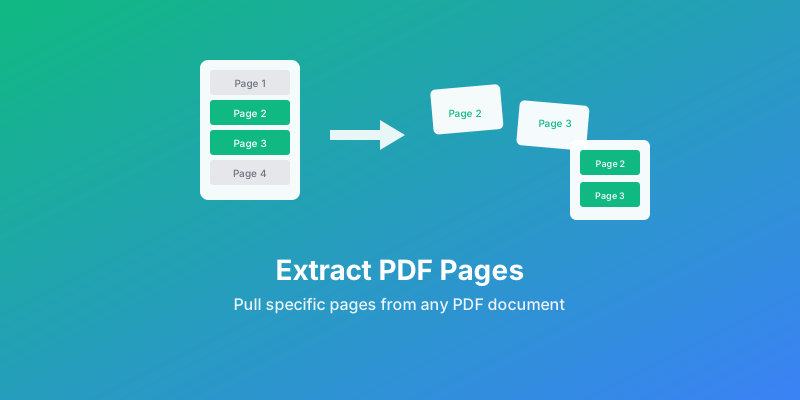
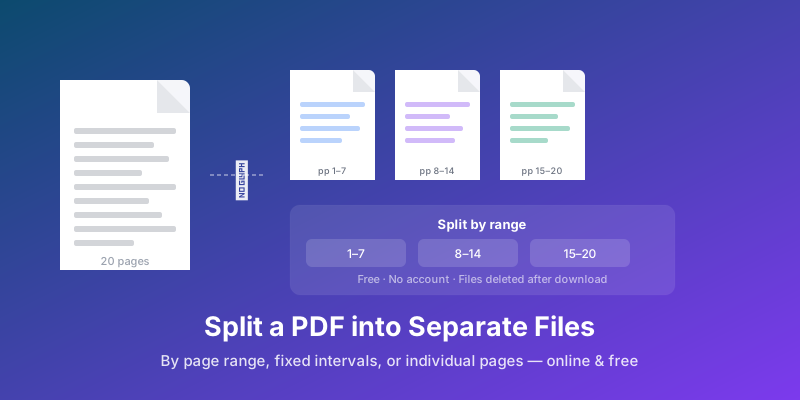
Learn how to split a PDF into separate documents for free. Step-by-step guide covering page ranges, extracting all pages, and splitting by intervals.
Read PDFs online in 2026 with no download needed. Free browser-based PDF viewer works on any device. No signups, no installs, no limits.
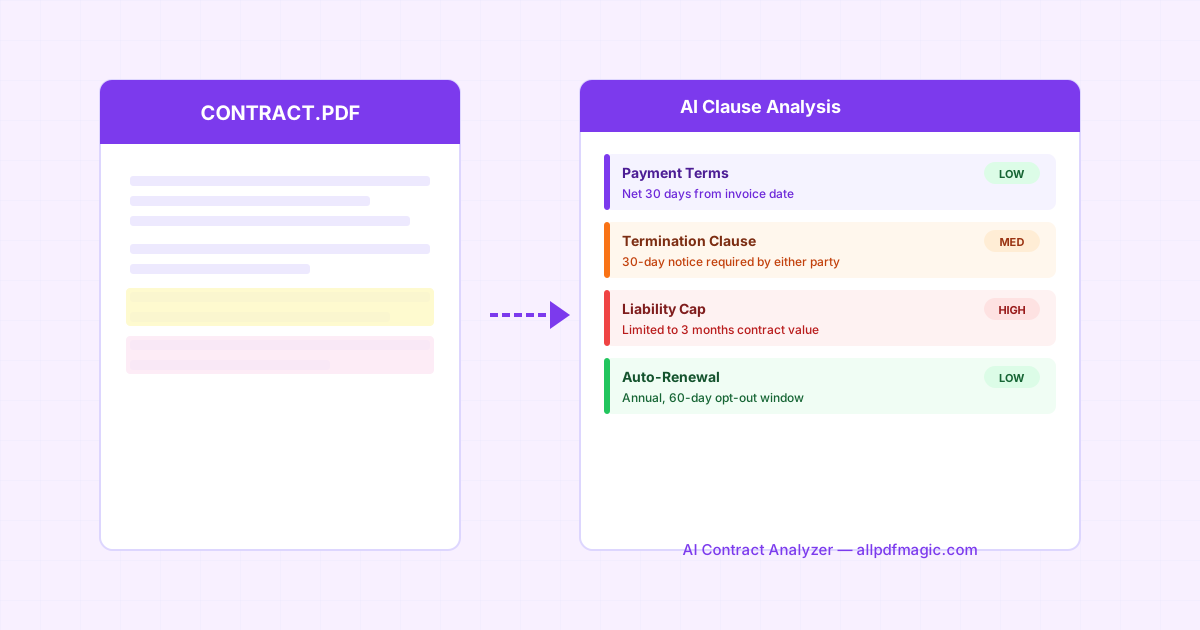
Before signing any contract, run through this AI-powered checklist. Learn which clauses carry the most risk and how AI analyzers catch what humans miss.
Stop manually typing invoice data. AI extracts vendor names, amounts, line items, and tax info from any PDF and exports to Excel or QuickBooks.
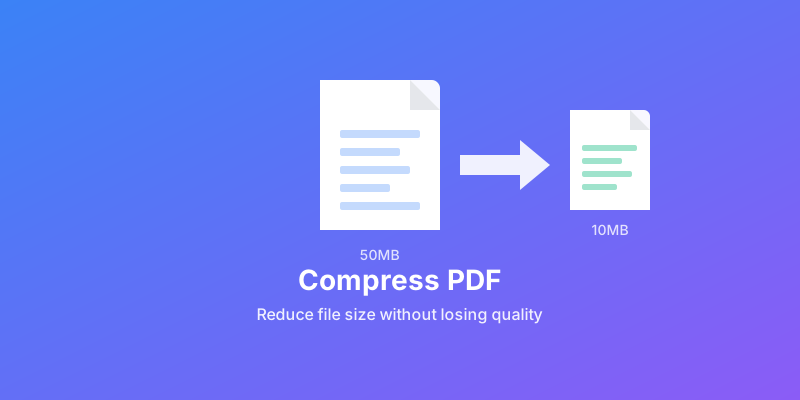
Learn how to compress PDF files down to 100KB without losing quality. Free online tool with no signup required. Works on any device with AI-powered compression.
Convert scanned PDFs to editable text with free OCR in 2026. Extract text from images and scanned documents online with no signup. 184 languages supported.
Remove text, images, and watermarks from any PDF using AI in 2026. Compare the best PDF AI editors with our complete guide. Free online tool with no signup needed.
PDF too large to email in 2026? Learn proven methods to reduce PDF file size and stay under Gmail, Outlook, and Yahoo attachment limits. Free online tools included.
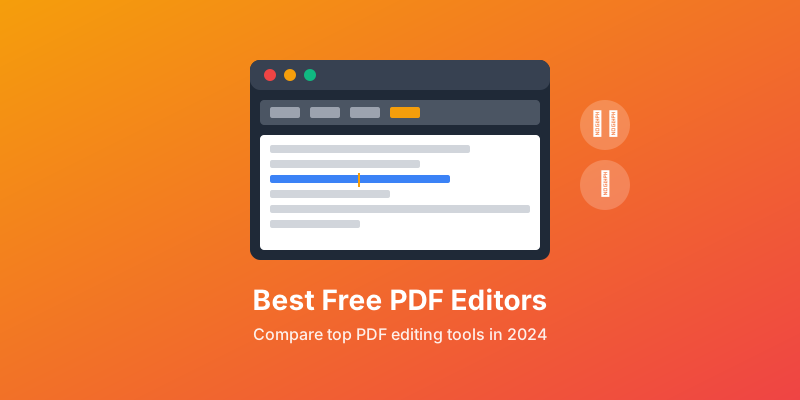
Compare the best free PDF editors in 2026 — online and desktop. Features, pros, cons, and which editor is right for your needs. No fluff.
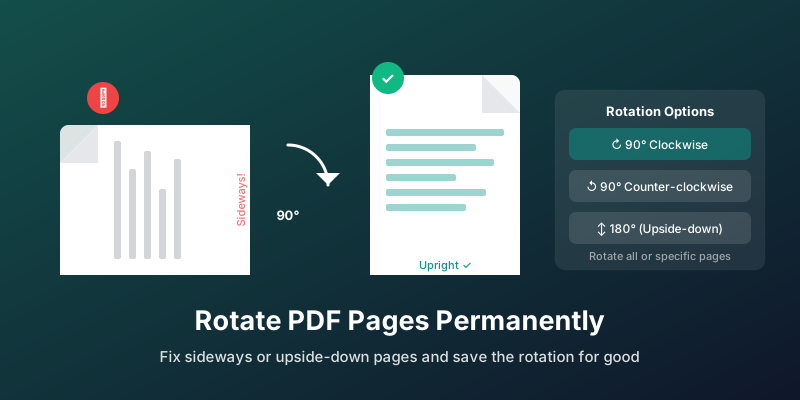
Rotating in your PDF viewer does not save to the file. This guide shows how to permanently rotate single pages, all pages, or mixed-orientation documents.
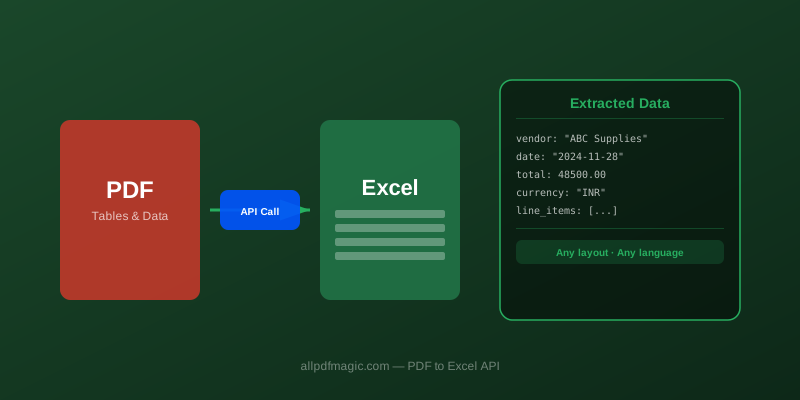
Learn how to convert PDF to Excel without losing formatting. Step-by-step guide with 5 methods for extracting tables, handling complex data, and cleanup tips.
Put what you've learned into practice with our free PDF tools. No signup required.
Explore All Tools