Vendor Statement Reconciliation for Accounts Payable Teams
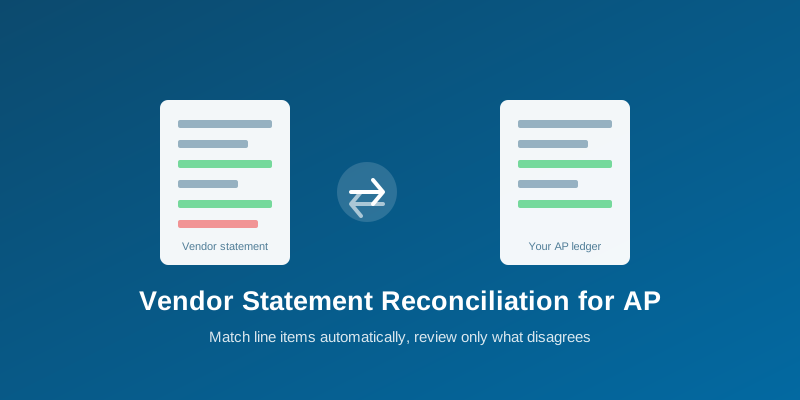
Automatically match vendor statements against your AP ledger or purchase orders — catch duplicate charges and missing invoices without a manual side-by-side review.
Vendor Statement Reconciliation for Accounts Payable Teams
Matching what a vendor says you owe against what your own records say you owe is a recurring, tedious accounts payable task — and one where a mismatch (a payment applied to the wrong invoice, a duplicate charge, an invoice your team never received) is exactly the kind of thing that's easy to miss reading two documents side by side, and expensive when it's missed.
What Reconciliation Actually Compares
AllPDFMagic's Reconcile Documents workflow takes 2 or more documents and matches line items by invoice number, amount, and other identifying fields, depending on which reconciliation type fits your documents:
- invoice_po — match invoices against purchase orders
- bank_ledger — match a bank statement against your accounting ledger
- payment_receipt — match payment receipts against invoices
- auto — let the system detect which type of matching fits the documents you've uploaded
What You Get Back
- Matched items — line items that agree across both documents
- Only in document 1 / only in document 2 — items with no counterpart in the other document, the actual discrepancies worth investigating
- Discrepancies — matched items where a field (amount, date) still disagrees between the two sources
- A match rate — the percentage of items that reconciled cleanly, a quick health check on the overall batch
A Realistic AP Workflow
- Export your vendor's statement (or your own AP ledger) and the corresponding invoices/POs as PDFs.
- Upload both to Reconcile Documents, choosing the reconciliation type that matches what you're comparing.
- Review the "only in document" lists first — these are the actual action items, not the matched majority.
- Investigate discrepancies (an amount that's close but doesn't match exactly) before assuming it's a data-entry error versus a real dispute.
What This Doesn't Replace
Reconciliation matching is line-item based, not a full three-way match verifying that goods were actually received in the quantities invoiced — for that level of verification, this is a strong first pass that surfaces what needs human attention, not a substitute for a goods-receipt check where that level of control matters.
Who This Is For
This is most valuable for teams reconciling documents from multiple vendors or accounts regularly — the time saved scales with the number of documents being cross-referenced. It requires a Developer plan or above ($29/month, ₹2,499/month), since each reconciliation call processes multiple documents rather than a single one.
FAQs
Can I reconcile more than 2 documents at once? Yes — the workflow accepts 2 or more documents in a single batch.
What if the documents are scanned rather than digital PDFs? Reconciliation depends on extractable line items, so scanned documents need to go through OCR first; a text-based PDF with a recognizable table structure works best.
Does "auto" reconciliation type work reliably, or should I always specify the type? Auto-detection works well when the documents clearly fit one of the supported patterns. If you know you're comparing a specific pair (invoice vs PO, bank vs ledger), specifying the type directly is more predictable than relying on auto-detection.
Is this the same engine used for GST reconciliation? Yes — it's the same underlying matching engine described in the GSTR-2B reconciliation guide, just applied to general AP documents rather than specifically GST filings.
Frequently Asked Questions
Yes — the workflow accepts 2 or more documents in a single batch.
Reconciliation depends on extractable line items, so scanned documents need to go through OCR first; a text-based PDF with a recognizable table structure works best.
Auto-detection works well when the documents clearly fit one of the supported patterns. If you know you're comparing a specific pair (invoice vs PO, bank vs ledger), specifying the type directly is more predictable.
Yes — it's the same underlying matching engine described in the GSTR-2B reconciliation guide, just applied to general AP documents rather than specifically GST filings.