Connect Claude, ChatGPT, and AI Agents to Your PDFs via MCP
AllPDFMagic runs a real MCP server exposing 7 document tools to any MCP-compatible AI assistant — here is what it does and how to set it up.
Connect Claude, ChatGPT, and AI Agents to Your PDFs via MCP
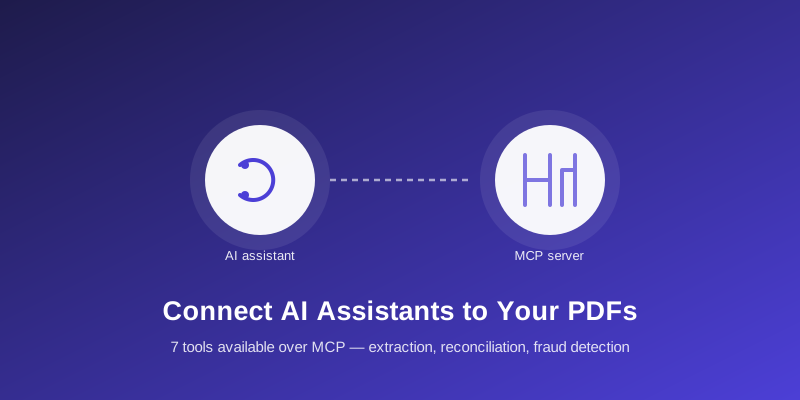
Increasingly, the tools reaching for PDF processing aren't humans clicking a web page — they're AI assistants and agents carrying out a task on someone's behalf. The Model Context Protocol (MCP) is the emerging standard that lets an AI assistant like Claude call external tools directly, and AllPDFMagic runs a real MCP server exposing its document-processing capabilities to any MCP-compatible client.
What This Actually Enables
Instead of manually uploading a file to a web tool, you can ask an MCP-connected AI assistant directly: "extract the vendor and total from this invoice," or "reconcile this purchase register against the GSTR-2B export," and the assistant calls the AllPDFMagic MCP server itself, gets the structured result back, and continues the conversation with real data — not a guess.
The Seven Tools Exposed
- validate_gstin — GSTIN format and check-digit validation, runs locally, no API call
- compress_pdf — reduce PDF file size
- pdf_to_excel — convert tabular PDFs to Excel
- extract_invoice_data — structured invoice data extraction
- parse_bank_statement — categorized transaction extraction from bank statement PDFs
- reconcile_documents — match line items across 2+ documents (Developer plan+)
- detect_document_fraud — screen a batch of documents for fraud signals (Developer plan+)
Setting Up the Connection
- Get an API key from your dashboard.
- Add AllPDFMagic's MCP server endpoint to your MCP client's configuration (Claude Desktop, Claude Code, or any other MCP-compatible agent tool) — see the full setup guide for the exact configuration format.
- Once connected, the seven tools above appear as callable functions your AI assistant can invoke directly during a conversation.
Why This Matters More Than It Might Seem
Most "AI agent" demos today are built by wiring together generic building blocks — read a spreadsheet, call an LLM, write a summary — and then hitting a wall at the one step that's actually hard: getting structured data out of a real-world PDF. An MCP connection means that specific hard part is one tool call away, handled by the same extraction/reconciliation engine the web app uses, rather than something an agent builder has to solve themselves with a fragile custom parser.
A Note on What This Doesn't Change
Connecting via MCP doesn't unlock anything the API itself can't do — it's the same underlying endpoints, same plan-based rate limits and tier gating, just reachable through an AI assistant's native tool-calling instead of a manual API call or web upload. Reconciliation and fraud detection still require a Developer plan or above, same as everywhere else.
FAQs
Do I need to be a developer to use this? Setting up the MCP connection itself is a one-time configuration step (adding a server entry to your MCP client), not ongoing coding. Once connected, using it is just talking to your AI assistant normally.
Is this the same as the REST API? Yes, structurally — MCP exposes the same underlying operations as the REST API, just callable directly by an AI assistant rather than requiring you to write the HTTP request yourself.
Which AI assistants support this? Any client implementing the Model Context Protocol — Claude Desktop and Claude Code are common examples. Support is expanding across the ecosystem as MCP adoption grows.
Does my data get used to train any model? No — a tool call through MCP processes your document the same way a direct API call does; it doesn't change how your data is handled.
Frequently Asked Questions
Setting up the MCP connection itself is a one-time configuration step (adding a server entry to your MCP client), not ongoing coding. Once connected, using it is just talking to your AI assistant normally.
Yes, structurally — MCP exposes the same underlying operations as the REST API, just callable directly by an AI assistant rather than requiring you to write the HTTP request yourself.
Any client implementing the Model Context Protocol — Claude Desktop and Claude Code are common examples. Support is expanding across the ecosystem as MCP adoption grows.
No — a tool call through MCP processes your document the same way a direct API call does; it doesn't change how your data is handled.